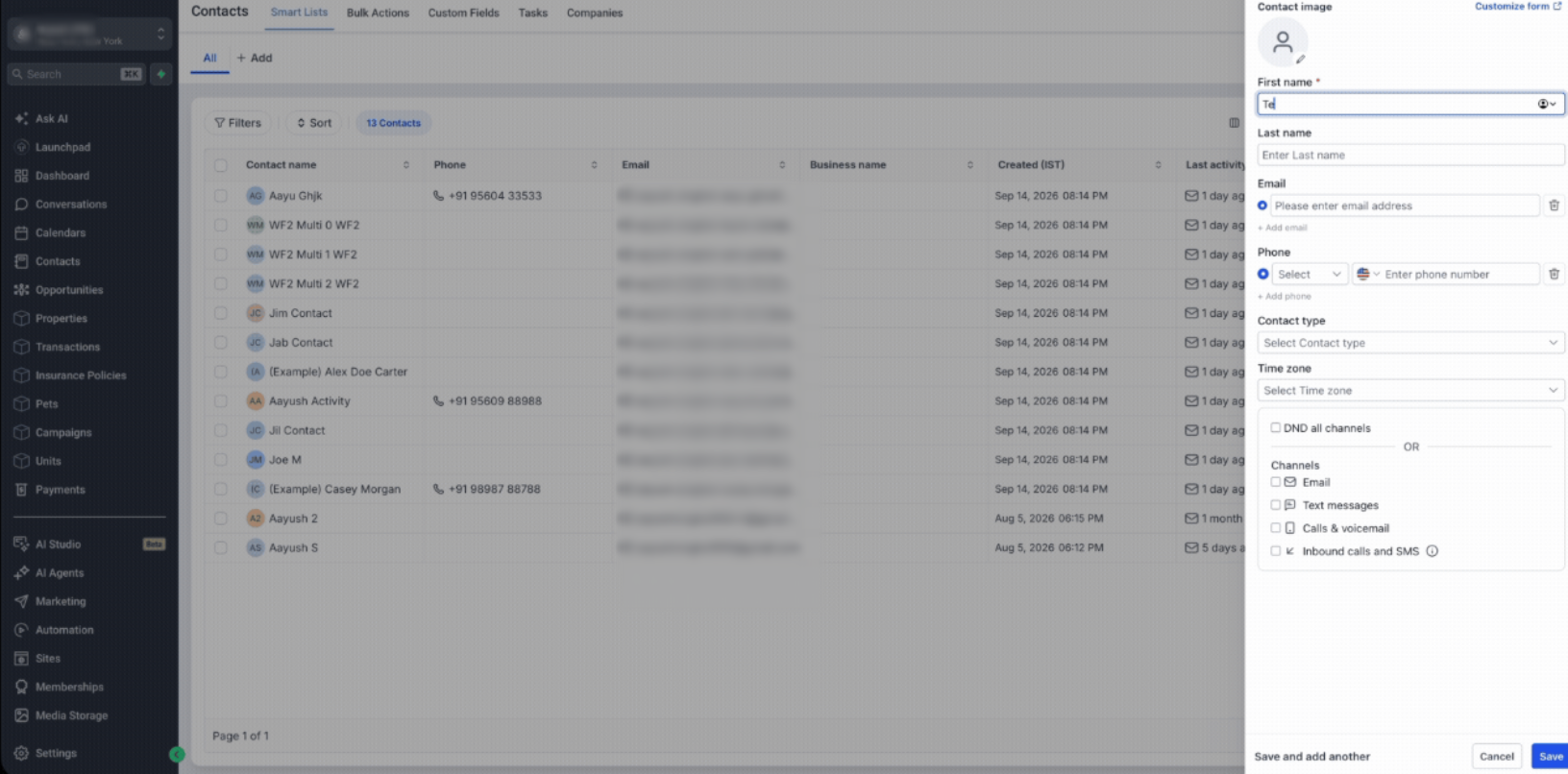
Create or update a Contact, and the platform can find the right existing Company and associate the Contact automatically. If no suitable Company exists, the platform can create one, store its domain, and enrich it with the Company Name and Logo.
What’s New?
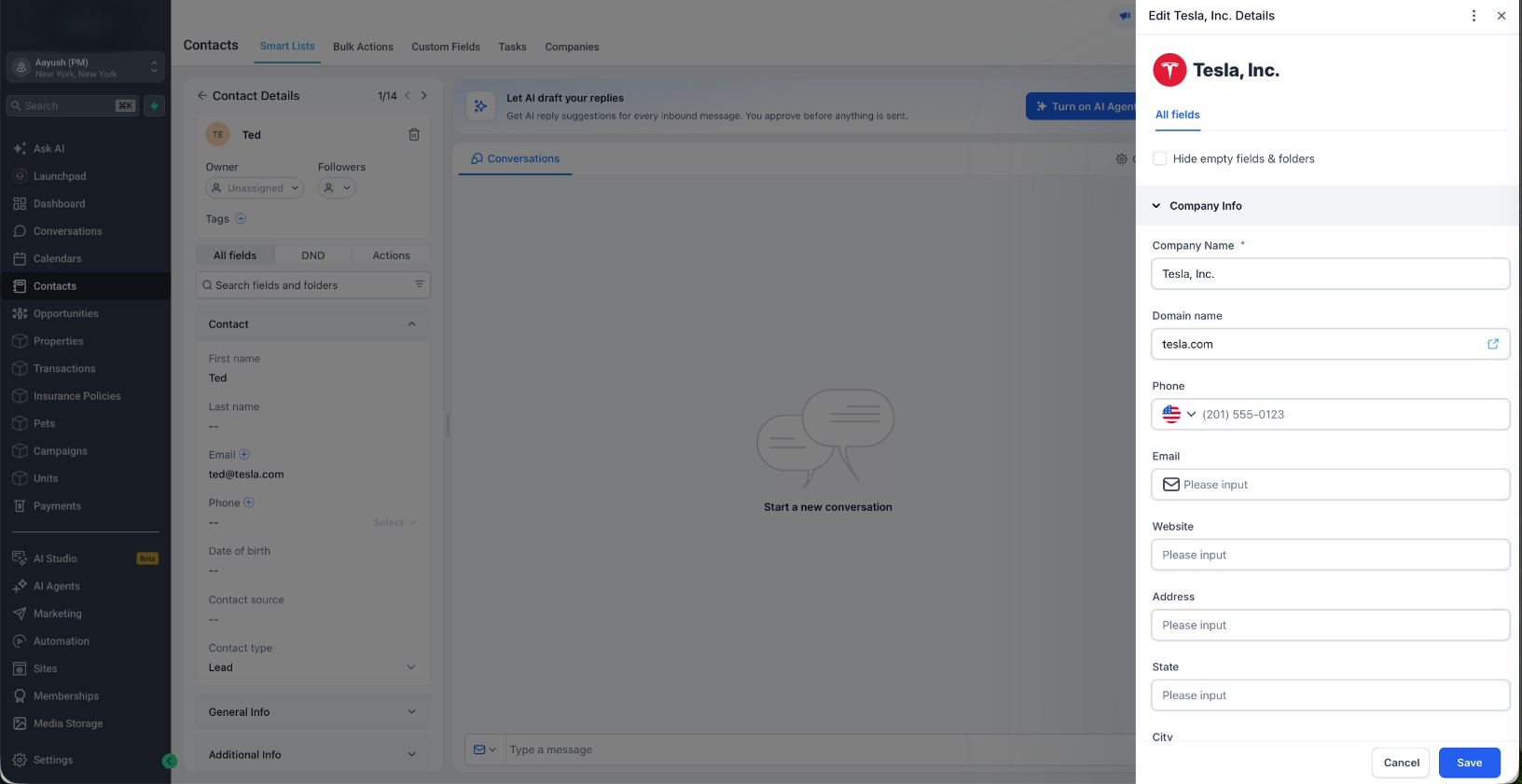
- New Company Domain Name field with uniqueness enabled by default
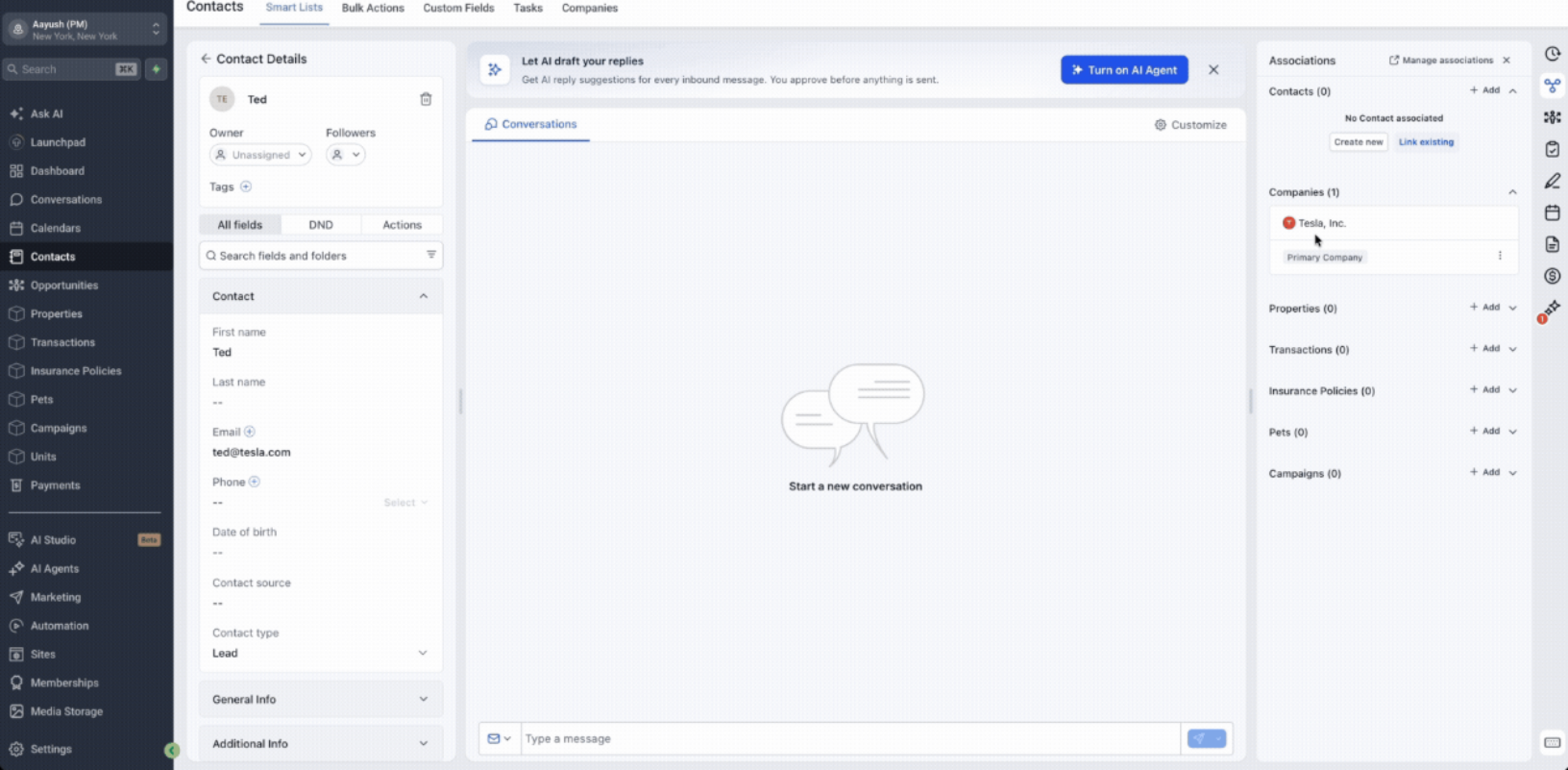
- Automatically associate Contacts with existing Companies when the email domain matches
- Automatically create a new Company when no suitable match exists
- Enrich Companies with Company Name and Logo
- Prevent duplicate Companies from sharing the same domain
- Exclude common free email providers and add your own domains to the exclusion list
- Match against existing Company records before creating a new one
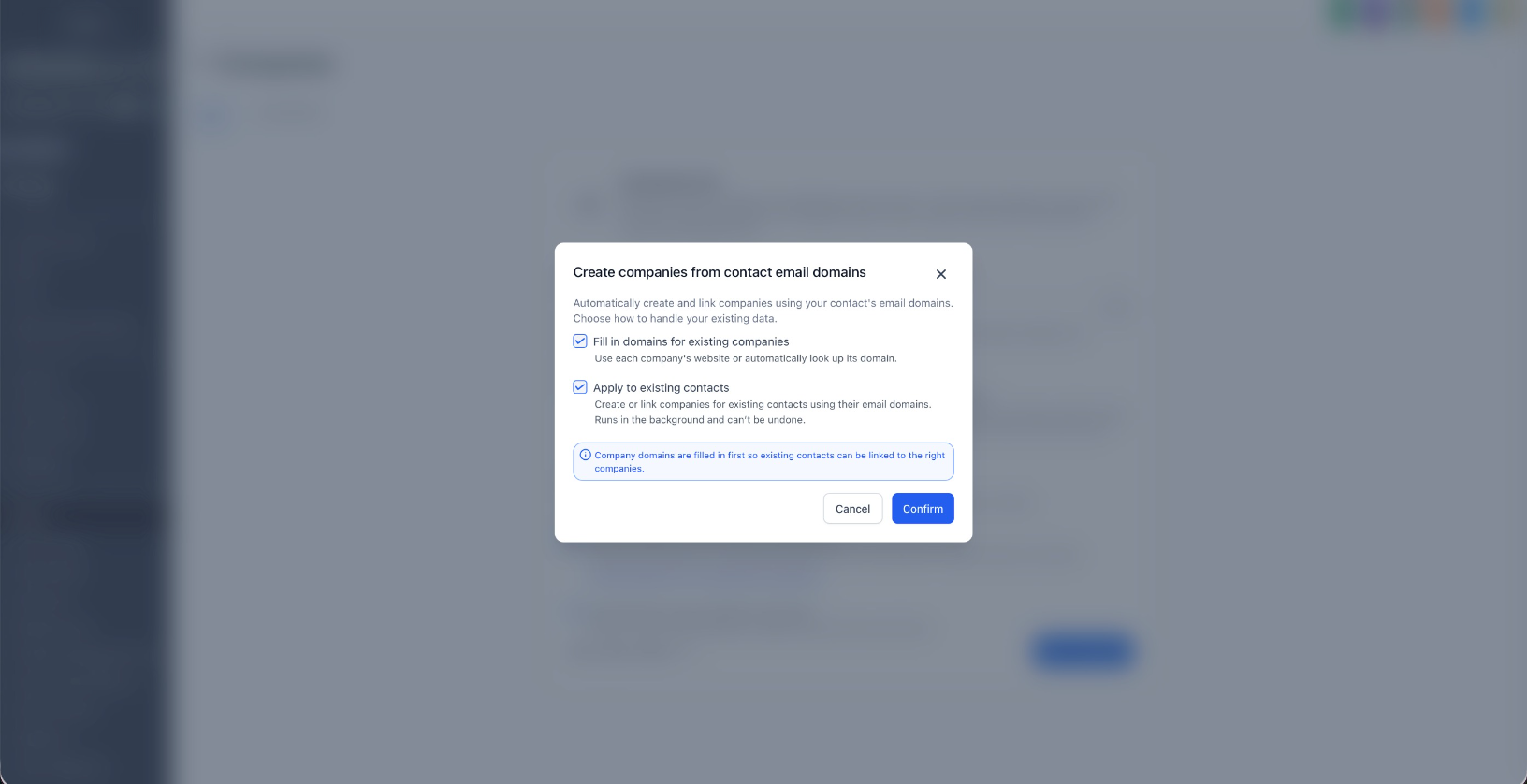
- Optionally populate domain information for existing Companies when enabling the feature
Why This Matters
For B2B businesses, new Contacts should naturally belong to the right Company without users having to create and associate Company records manually.
With this update, Company data can organize itself in the background as Contacts enter the CRM.
This helps users:
- Reduce manual Company creation and association
- Keep Company data cleaner
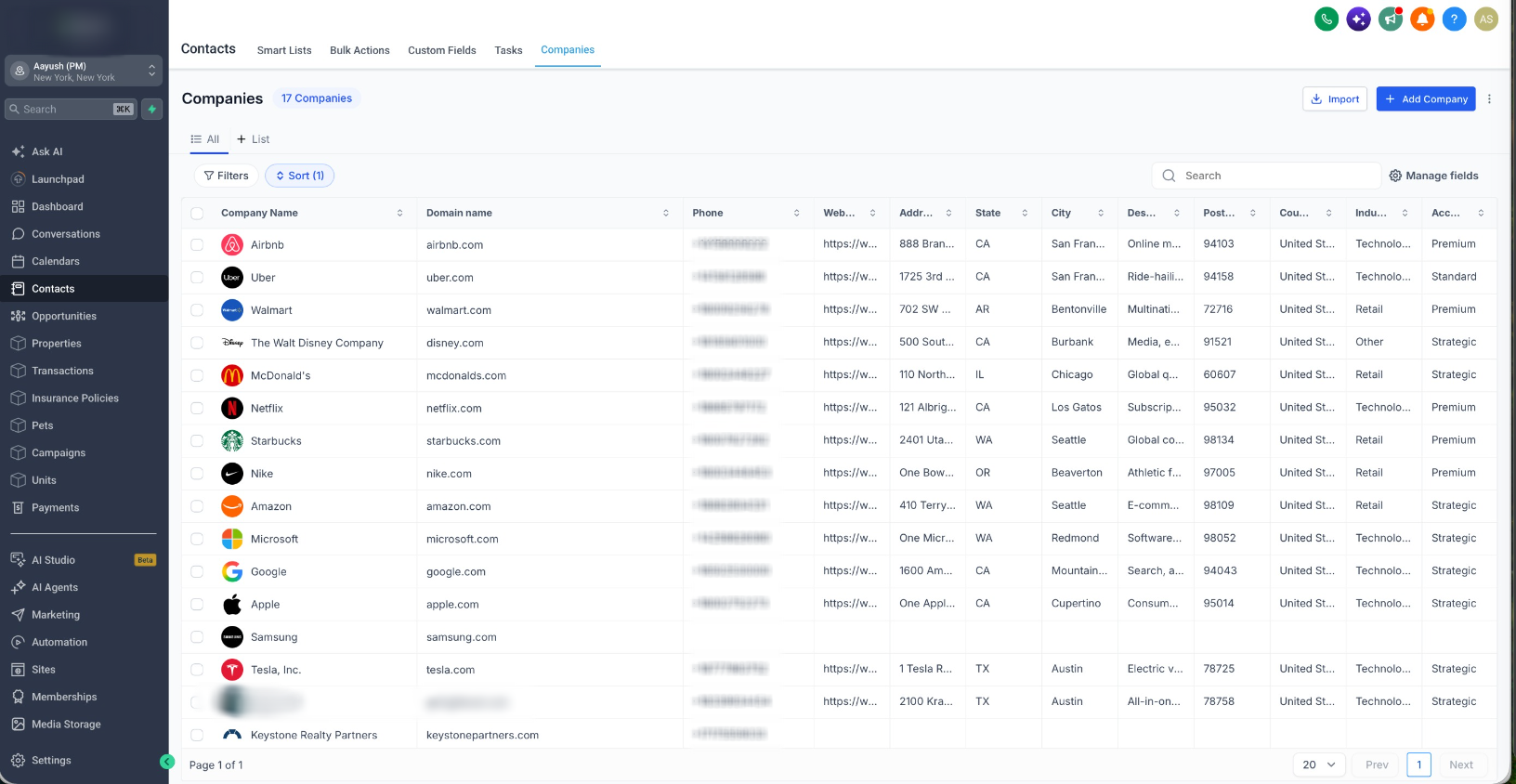
- Prevent duplicate Company records
- Preserve existing Companies that already contain Contacts, Opportunities, notes, and other CRM data
- Build more reliable Company Smart Lists, workflows, and reporting
How It Works
When a Contact is created or their email is updated, the platform checks for a suitable existing Company before creating a new one.
For example:
Contact: sarah@acme.com
- If a Company already has acme.com as its domain, Sarah is automatically associated with it.
- If an existing Acme Company has no domain, the platform can identify that Company, populate its domain, and reuse the existing record instead of creating a duplicate.
- If no suitable Company exists, a new Company can be created and enriched automatically.
How to Enable
- Enable the feature from Settings → Labs. Look for "Automatic Company Creation & Association by Domain"
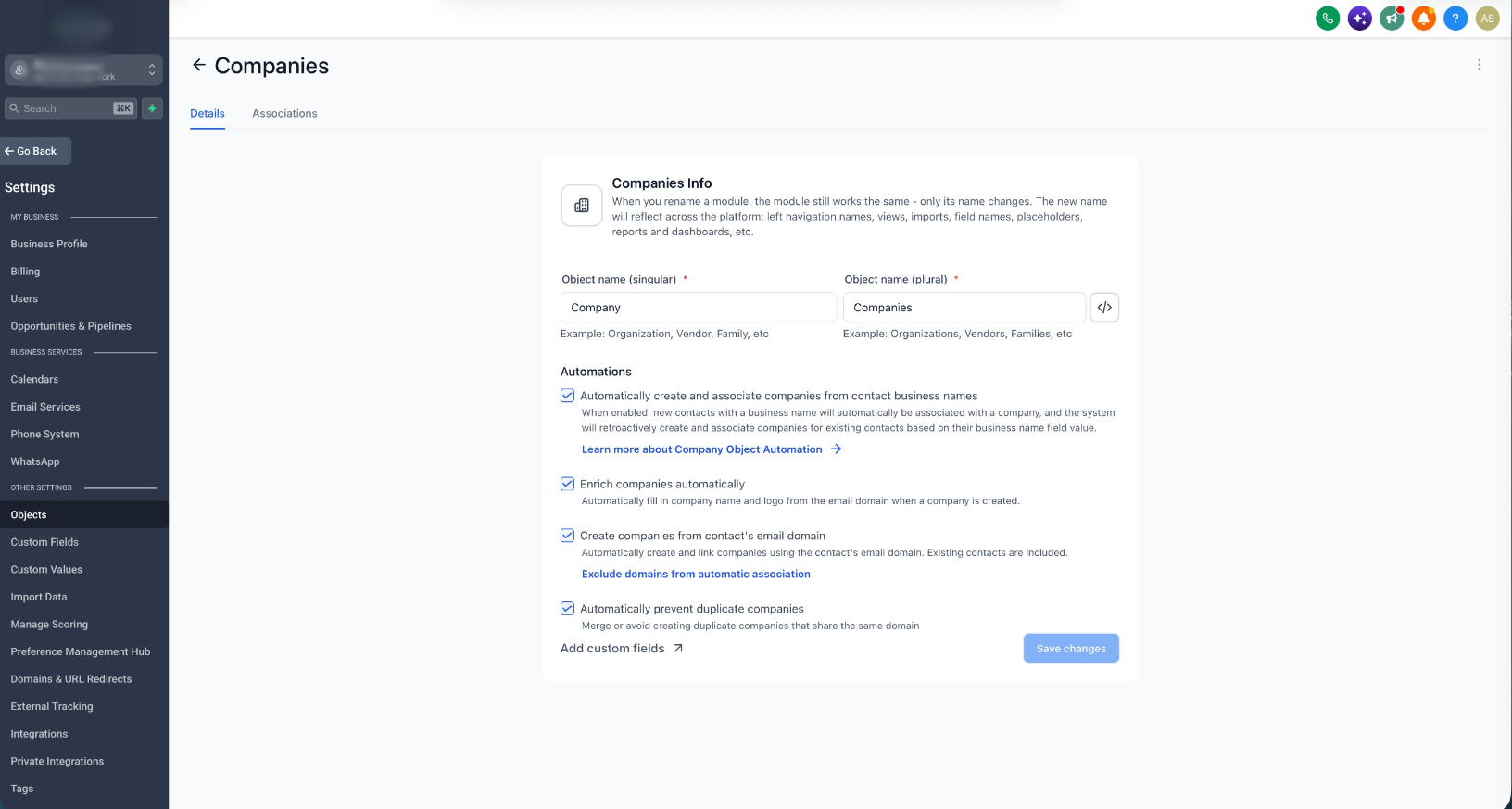
- Go to Settings → Objects → Companies
- Under Automations, configure:
- Enrich companies automatically
- Create companies from contact's email domain
- Automatically prevent duplicate companies
- Add any domains you want to ignore under Exclude domains from automatic association
- Click Save changes
The existing Automatically create and associate companies from contact business names automation continues to work alongside the new domain-based capabilities.
Notes
- Existing Company associations are respected and are not automatically replaced
- Common free email providers such as Gmail and Yahoo are excluded from domain-based automation
- Domain matching is exact, so company.com and mail.company.com are treated as different domains
- Company enrichment is best effort and does not block Company creation
- Manually entered Company domains are not overwritten during domain backfill
Was this article helpful?
That’s Great!
Thank you for your feedback
Sorry! We couldn't be helpful
Thank you for your feedback
Feedback sent
We appreciate your effort and will try to fix the article